Ethernet DTU
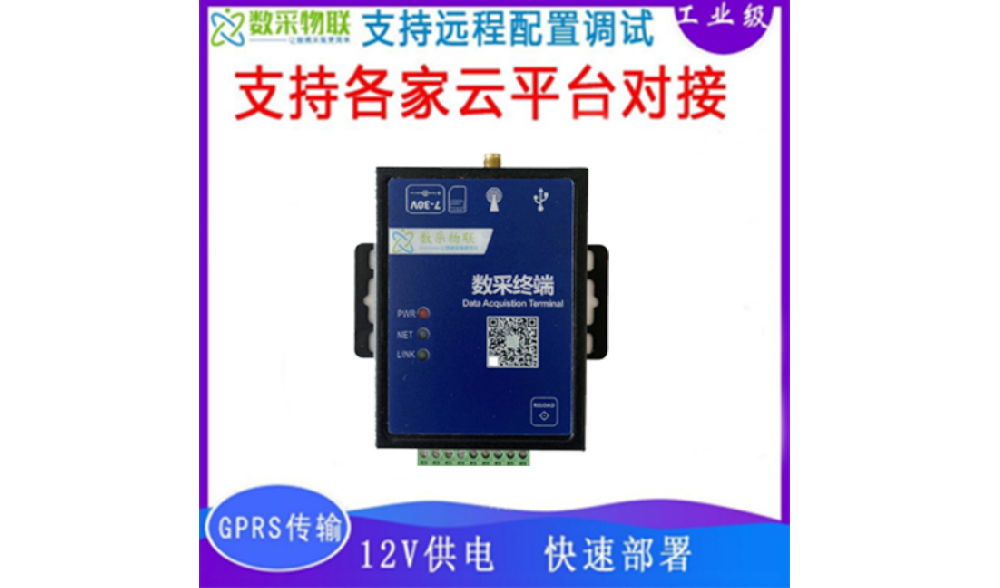
The Ethernet DTU is a classic dual-serial-port server offering high stability, high cost-effectiveness and low power consumption. Peripheral circuits are already integrated, and pluggable terminal blocks allow direct RS485/232 ser…
Get a QuoteProduct Details
1 Product Description
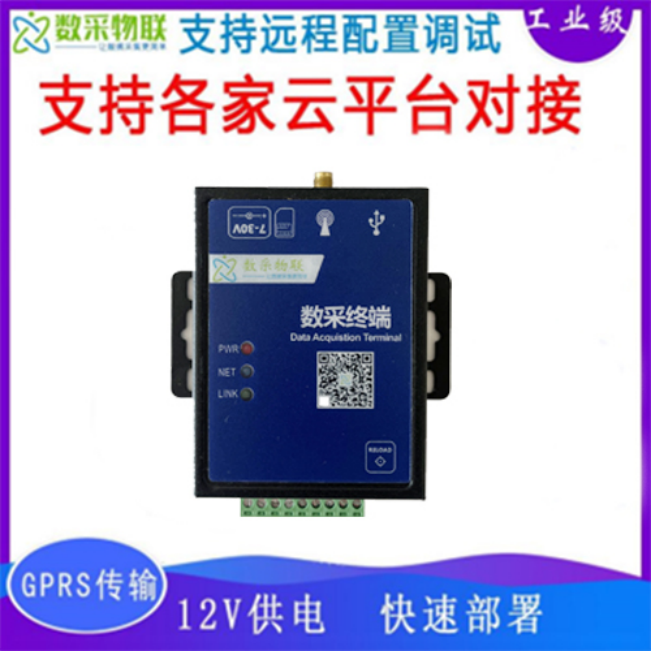

The Ethernet DTU is a classic dual-serial-port server offering high stability, high cost-effectiveness and low power consumption. Peripheral circuits are already integrated, and pluggable terminal blocks allow direct RS485/232 serial communication. The main frequency reaches 240MHz, RS-232 and RS-485 can work simultaneously, and a deeply optimized TCP/IP protocol stack is built in. With web-page and host-software visual configuration, it lets you focus on your application with minimal setup, shortening development cycles and saving R&D costs — convenient for evaluation, testing or direct volume deployment.
It supports static IP addressing or DHCP automatic IP acquisition, and can also provide functions such as data transmission and protocol parsing.
Beyond wireless data access, it is widely used across IoT domains such as industrial data acquisition, smart agriculture, power monitoring, environmental pollution monitoring, smart homes, safety management, and travel and entertainment.
A static IP must be set manually by the user; when doing so, write the IP, subnet mask and gateway together. Static IP suits scenarios where IP addresses and devices must be tracked one-to-one.
DHCP’s main purpose is to dynamically obtain the IP address, gateway address, DNS server address and other information from the gateway host, removing the tedious step of setting an IP address. It suits scenarios with no particular IP requirements and no need to map IPs to modules one-to-one.
1 DTU IP Address Acquisition
| IP acquisition | |
|---|---|
| Static IP | Pros: devices that cannot be assigned an IP address can still be found through full-subnet broadcast mode. Cons: different subnets in different LANs prevent normal communication. |
| DHCP | Pros: can communicate directly when connected to a device with a DHCP server such as a router, avoiding the hassle of setting an IP address. Cons: will not work on networks without a DHCP server. |
2 Product Parameters
Main feature list
| Parameter | Description |
|---|---|
| Power supply | 7V-30V, recommended 12V/1A |
| Operating current | 21mA-40mA average, 54mA max (12V) |
| Status indicators | PWR: power indicator, steady on when normal. NET: network indicator, steady on after a network is found, blinking when no network is found. LINK: server-connection indicator, steady on after the server is connected |
| USB interface | Type-C, USB 2.0 High Speed |
| UART interfaces | Serial port 1: RS485 terminal, baud rate 1200-460800 bps. Serial port 2: RS485/RS232 terminal, baud rate 1200-460800 bps (only one of the two serial ports can be used at a time) |
| Ethernet interface | RJ45: 10Mbps/100Mbps |
| Dimensions | 83 x 85.5 x 27 mm |
| Weight | 200 g |
| Configuration mode | Host software, LAN, cloud-platform visual configuration |
| Network protocols | TCP/UDP/MQTT/ARP/ICMP/DHCP/DNS/HTTP |
| Number of network channels | 6 |
| Working mode | Transparent transmission; Modbus TCP<=>Modbus RTU; Modbus RTU<=>JSON (automatically read/write and convert Modbus protocol to JSON for upload); DL645/698<=>JSON |
| User parameters | Custom user parameters can be added to the uploaded data packet; magic values such as ${ts}, ${date}, ${imei}, ${iccid}, ${csq} are supported |
| IP acquisition | Static IP, DHCP |
| Heartbeat mechanism | Custom heartbeat packet supported |
| Registration packet | Custom registration packet supported; imei, muid, imsi, iccid, csq registration packets supported |
| OTA upgrade | Supported |
| DNS | Supported |
| Intranet penetration | Serial-to-PC data transmission achieved over MQTT |
| Cloud platforms | Alibaba Cloud, Tencent Cloud, OneNET, DevelopLink Cloud, Huawei Cloud, JetLinks, UniLink, private cloud, P2P |
4 Basic Description
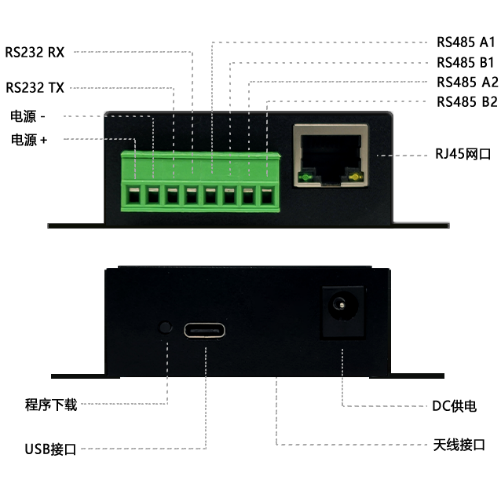
The Ethernet DTU provides the following functional interfaces:
- Terminal power interface
- DC plug power interface
- USB 2.0 High-Speed interface
- One RS485 serial port and one selectable RS485/232 port
- SMA antenna interface
- Status indicator interface
- USB_BOOT interface
- RJ45 interface
5 Definition